
Fast, filtered DNS
for homes and small offices
Blocklists, per-device rules, analytics and two-server failover, in one container you set up from the browser.
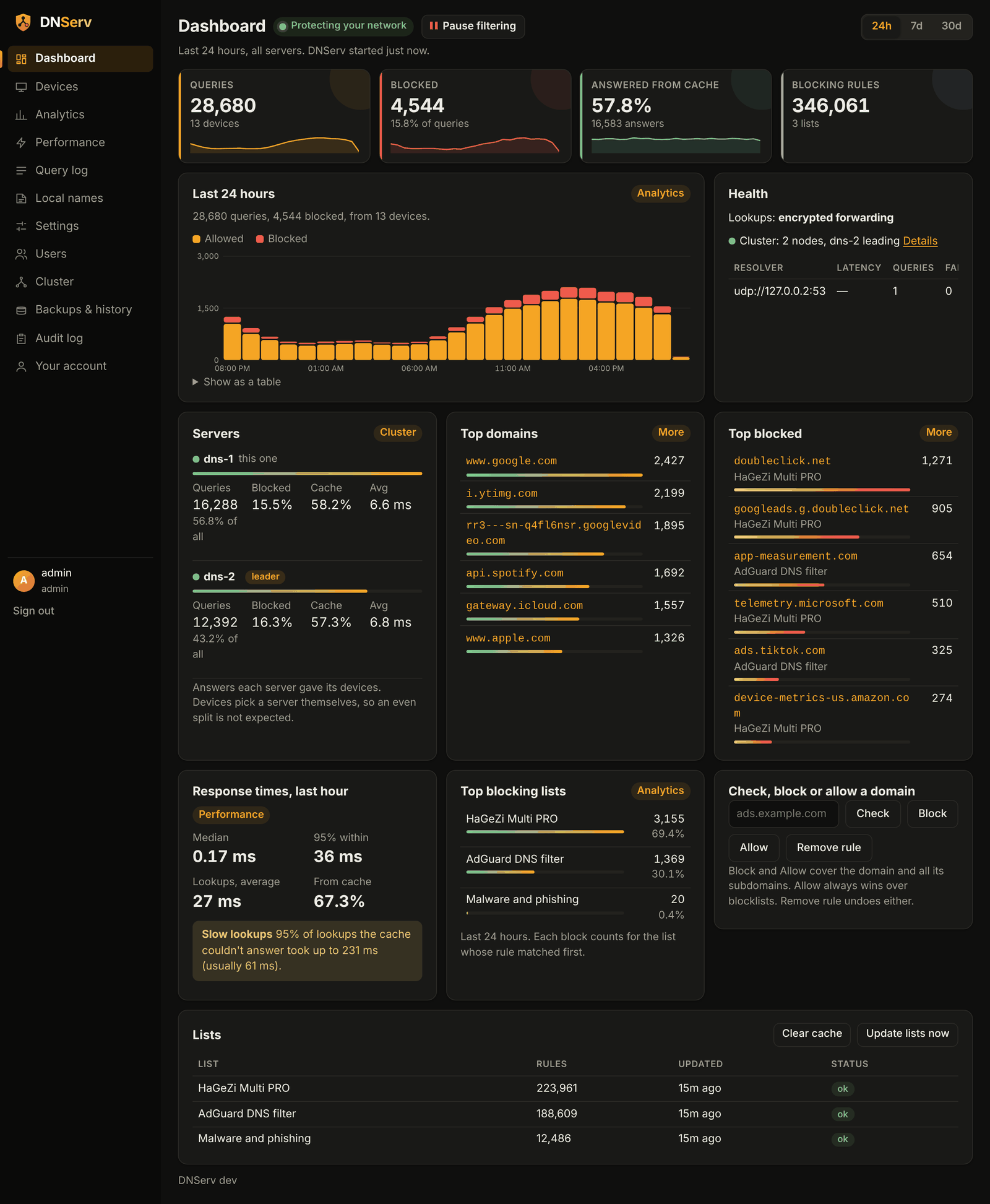
Everything a home network needs
The filtering you'd expect from Pi-hole or AdGuard Home, built for two servers from the start, with nothing to set up outside the browser.
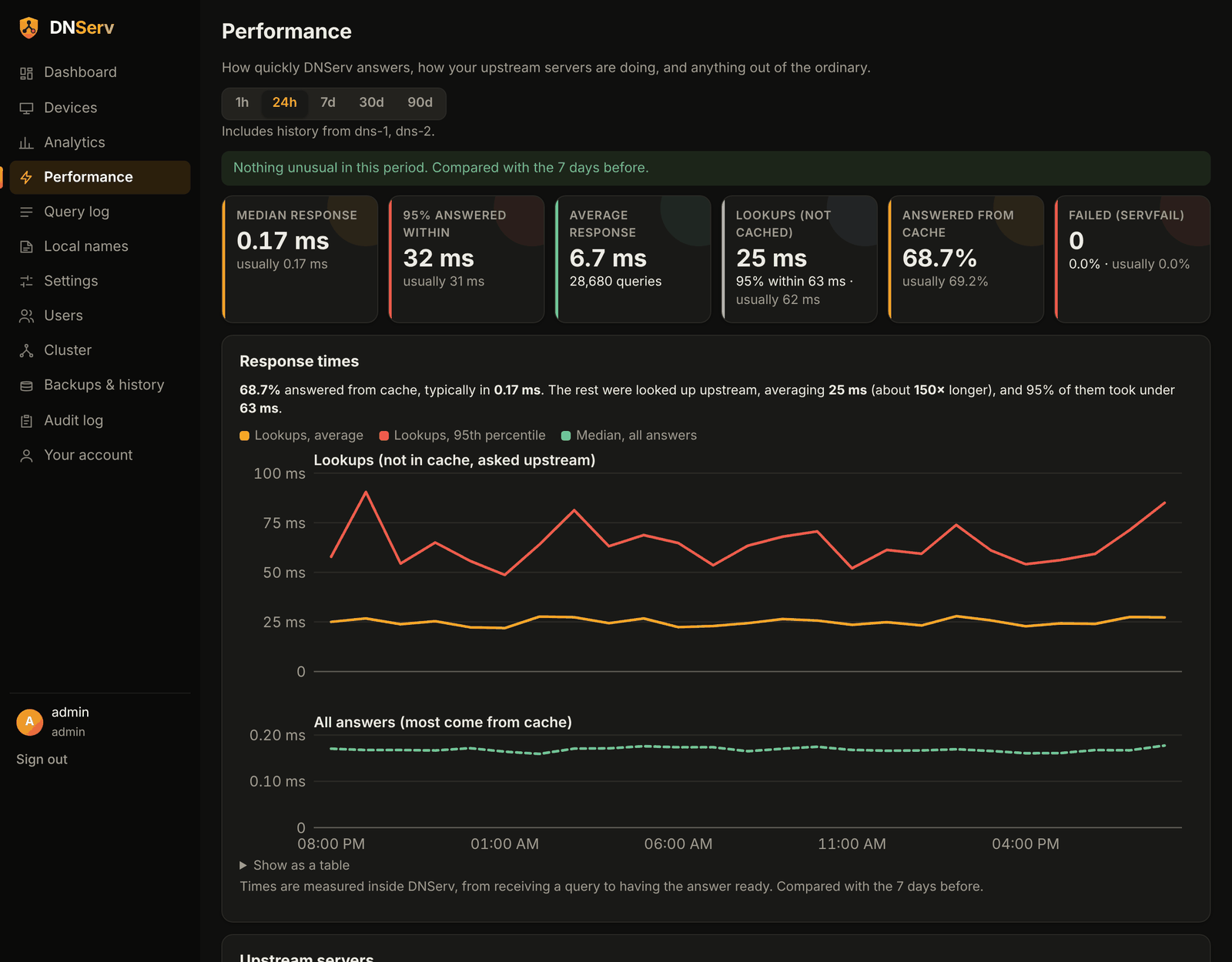
Fast
A two-layer cache, prefetching of popular names, and old answers kept ready if the internet drops.
Blocks ads, trackers and malware
Any hosts file, domain list or AdGuard-style list, with wildcards and regex, plus your own allow and block rules.
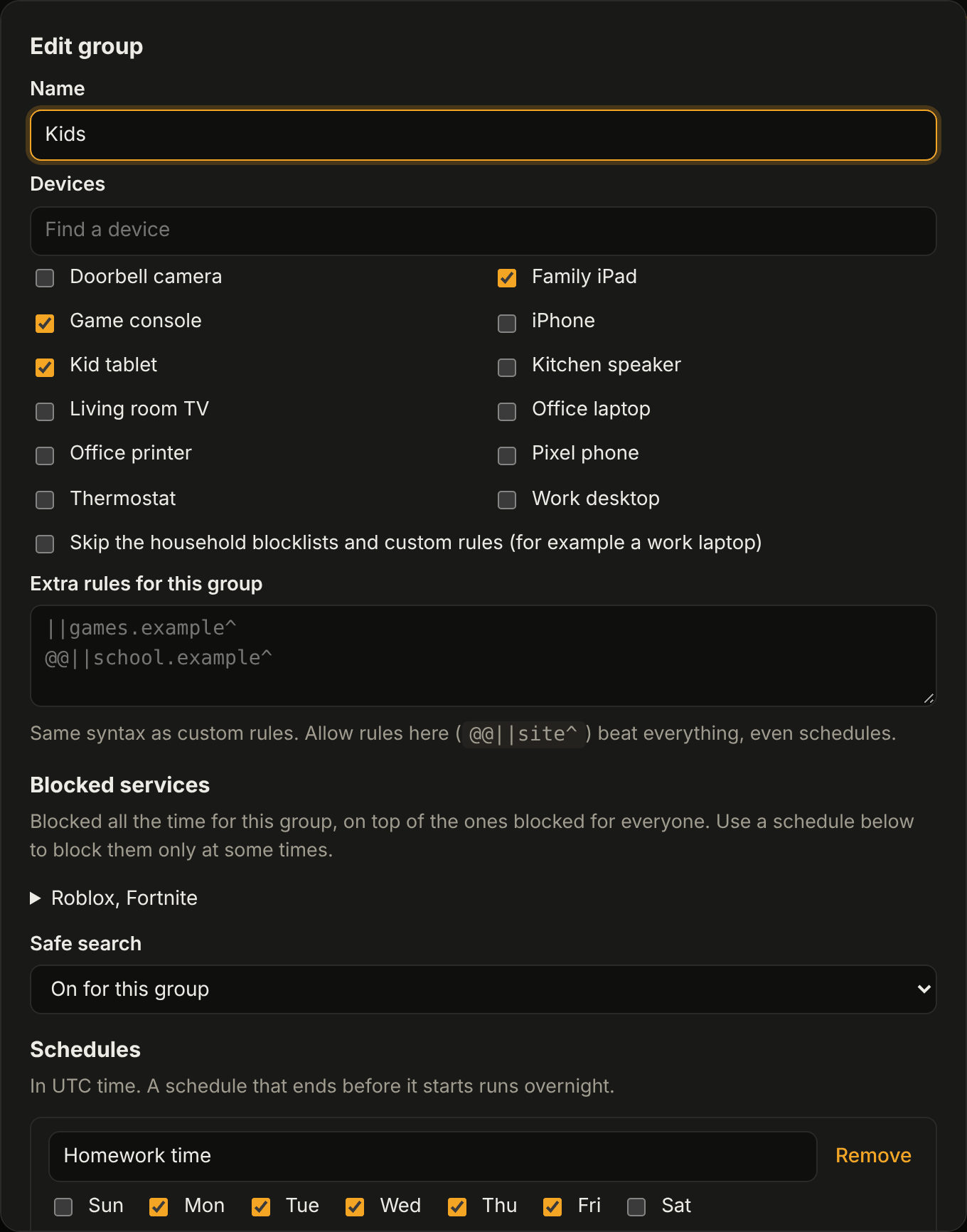
Rules per device
Groups like Kids, with their own blocked services, safe search, and schedules for bedtime or homework.
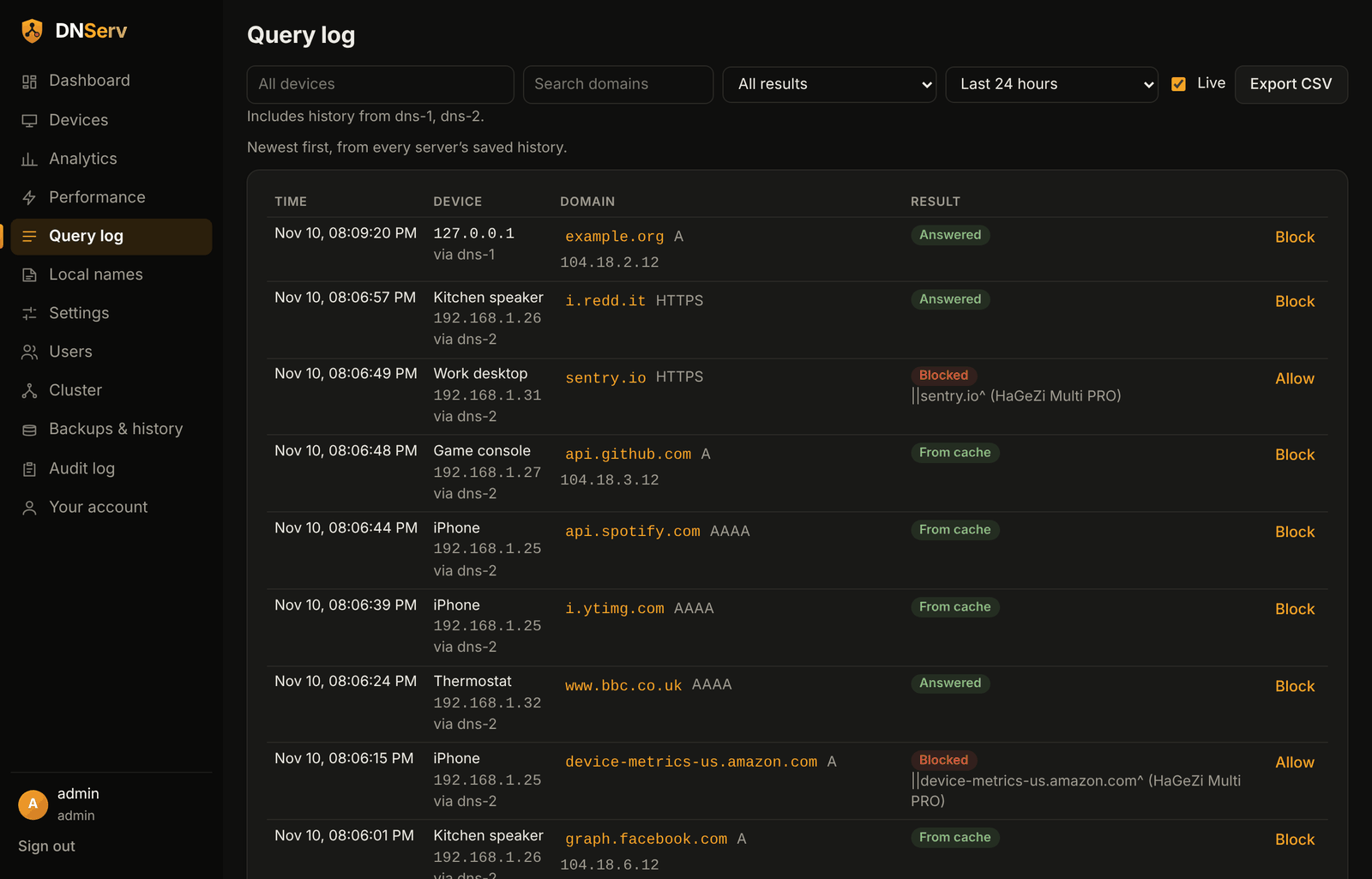
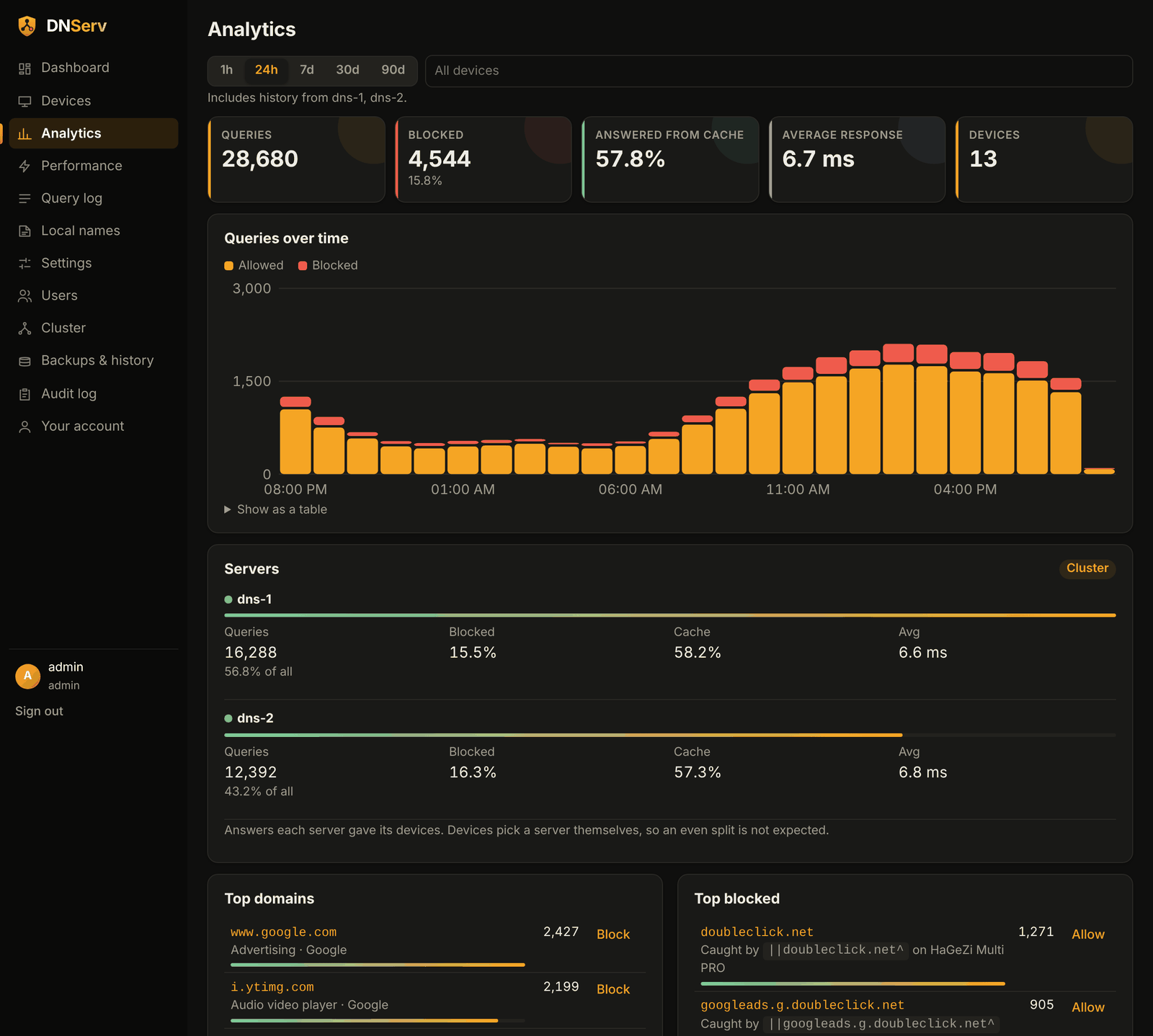
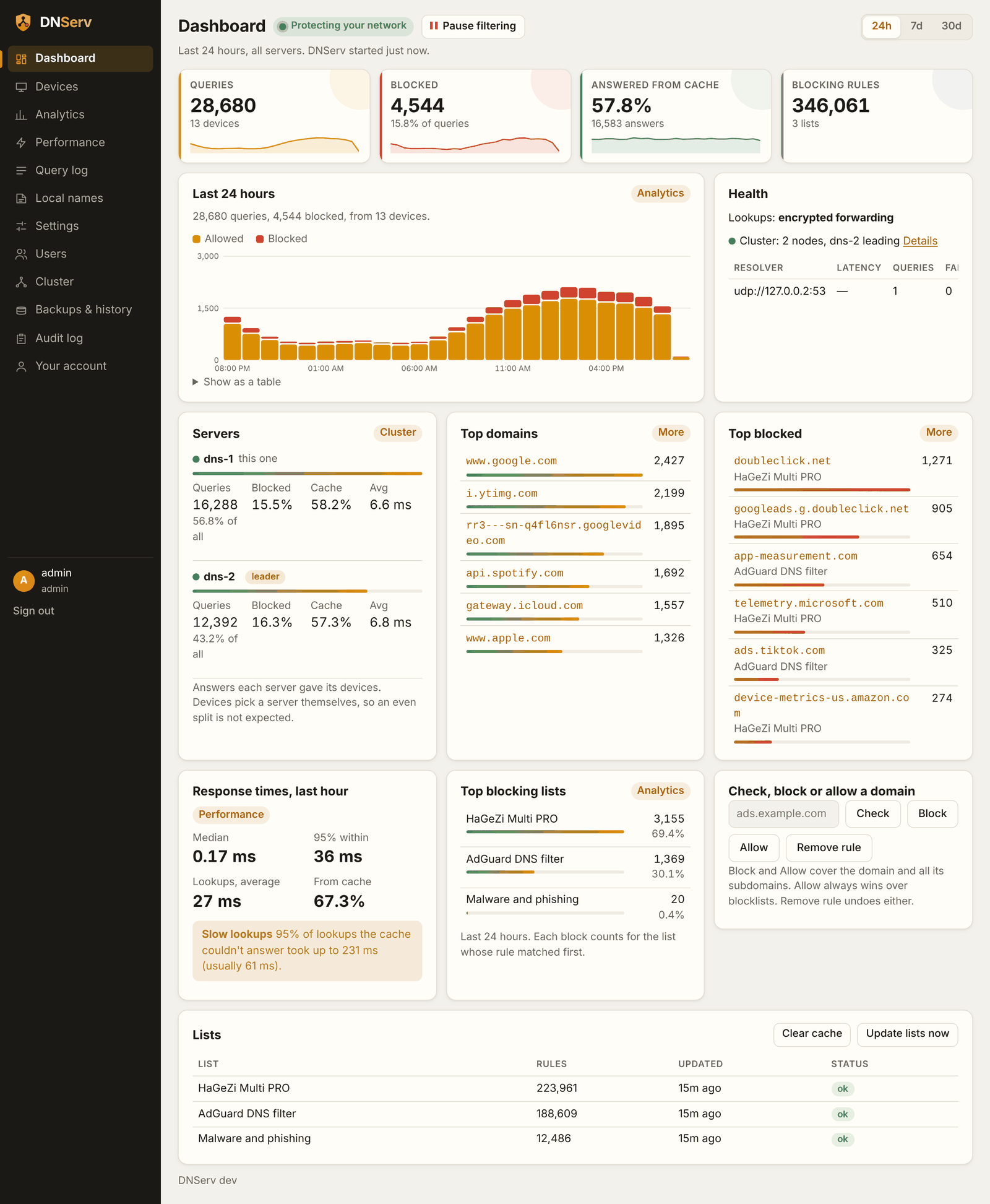
See what's going on
Query log, analytics, response times and risk scores from public threat feeds, kept for 30 days.
Keeps working when a server fails
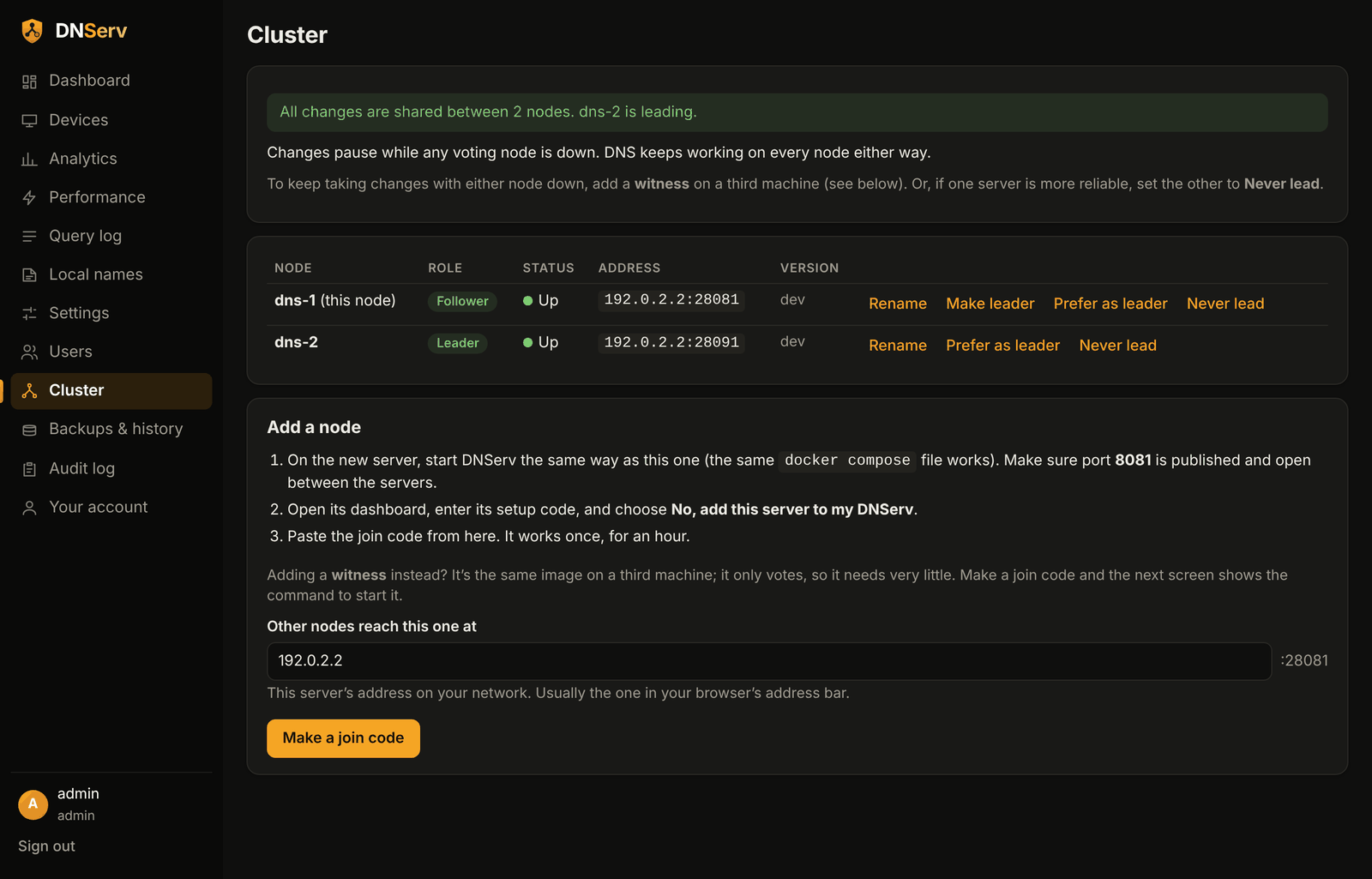
Run two or more nodes. Settings stay in sync, and any node can take over as leader.
Private
Encrypted DNS to Cloudflare or Quad9, or its own recursive resolver (Unbound), optionally through a VPN.
Safe to run
Two-factor sign-in for every account, admin, power-user and viewer roles, an audit log, encrypted backups, and HTTPS.
No config files
Pull the image, start it, finish setup in the browser. Bring your AdGuard Home setup across in one step.
A dashboard you'll actually open
Light and dark themes, made for a phone as much as a desktop.
Up and running in five minutes
Any Linux machine with Docker: a mini PC, a NAS, a Raspberry Pi 4 or a VM.
docker run -d --name dnserv --restart unless-stopped \
-p 53:53/udp -p 53:53/tcp -p 853:853 \
-p 8080:8080 -p 8081:8081 \
-v dnserv-data:/data ghcr.io/prezmc/dnserv:latest
# the setup code is in the log
docker logs dnserv 2>&1 | grep setup_code
- Open http://<server>:8080Enter the setup code from the log.
- Create your accountScan the QR code with any authenticator app.
- Pick your blocklists and how lookups leave your networkEncrypted to a provider, or fully recursive.
- Point your router's DHCP DNS at the serverDevices switch over as they reconnect.
- Add a second server any timeMake a join code on the Cluster page and paste it into the new one.
Documentation
Everything beyond the basics, on GitHub.